FAQs - iOS
Unity
Mono Screen
The application is rendered in mono-screen instead of split screen
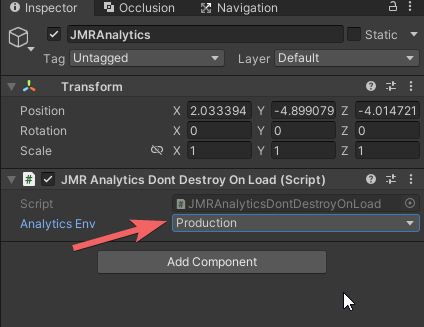
- Make sure to have an instance of JMRAnalyticsManager present at all times.
- Make sure to select the device type as "JioDive / Cardboard" only.
Check if the JMRSDK core was imported correctly; if it is shown that some file is new (other than AgoraEngine and ScreenCast) when trying to import again that means the SDK Core has to be imported again.
Build Failed
The application is failing to build
Goto Project Settings > Player > Microphone usage description > Make sure the "description" is not empty.
XCode
Build failed
Due to Pods
If in the application project directory, there exists PodFile as shown. Follow the steps below.
- Open a terminal in the project directory.
- Write the command
pod installin the terminal and let it run until the command is completed - Run the newly created file Unity-iPhone.workspace instead and proceed normally.
Due to Third-Party Packages
Make sure to update your third-party packages (eg. Photon). If you still get errors please refer to third-party package iOS documentation or contact them.